Work management
A clear plan before the crew leaves.
Recurring visits, tasks and crews in one plan. Today’s work and unfinished visits stay in view, so the office and the crew start from the same page.
Explore work managementThe Verdue platform
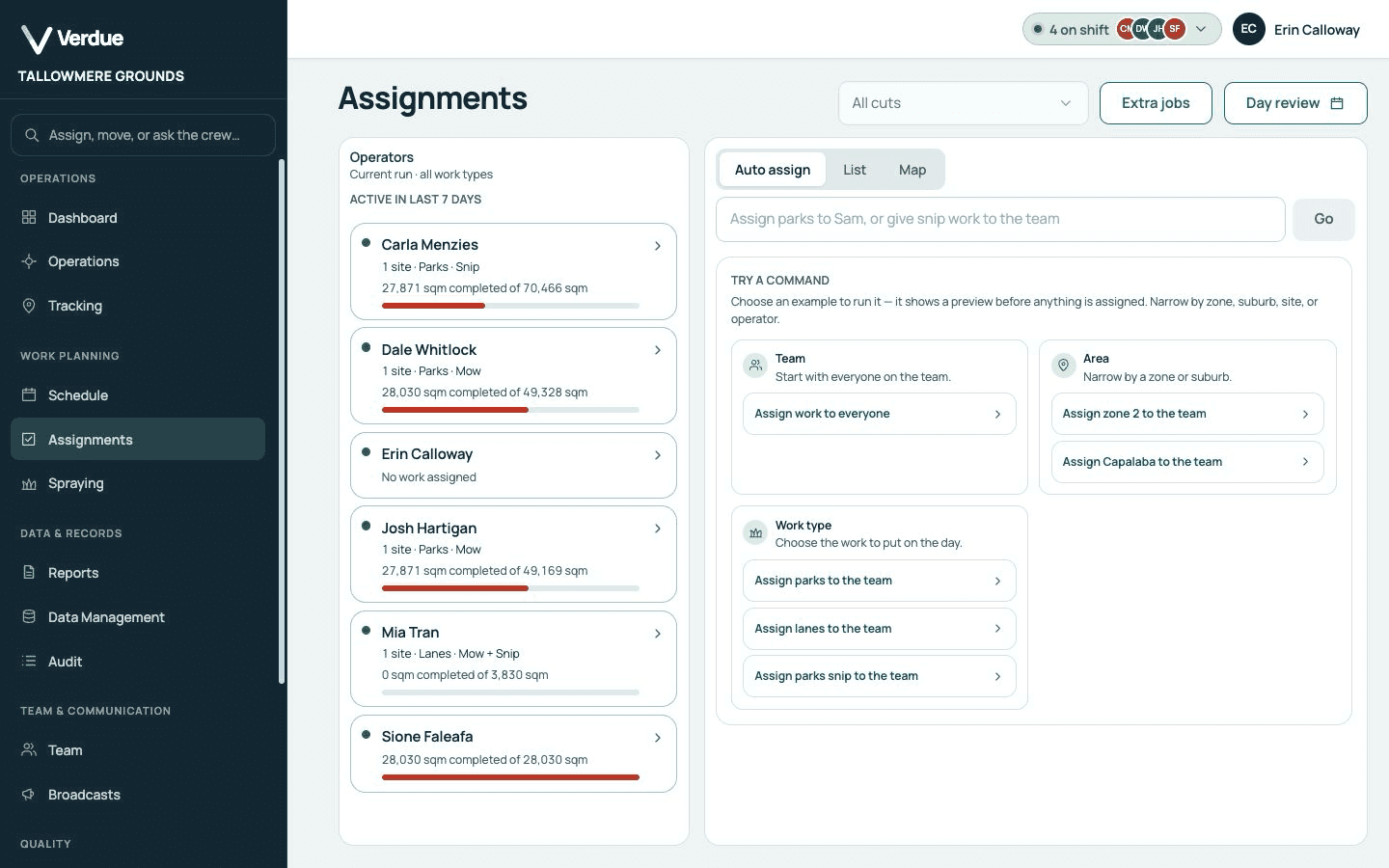
One place for the office and the crew: who is doing what, what happened at each site, and what still needs another visit.
What it does
Each has its own page. Together they keep the plan, the visit and the evidence with the site.
Work management
Recurring visits, tasks and crews in one plan. Today’s work and unfinished visits stay in view, so the office and the crew start from the same page.
Explore work managementOperator app
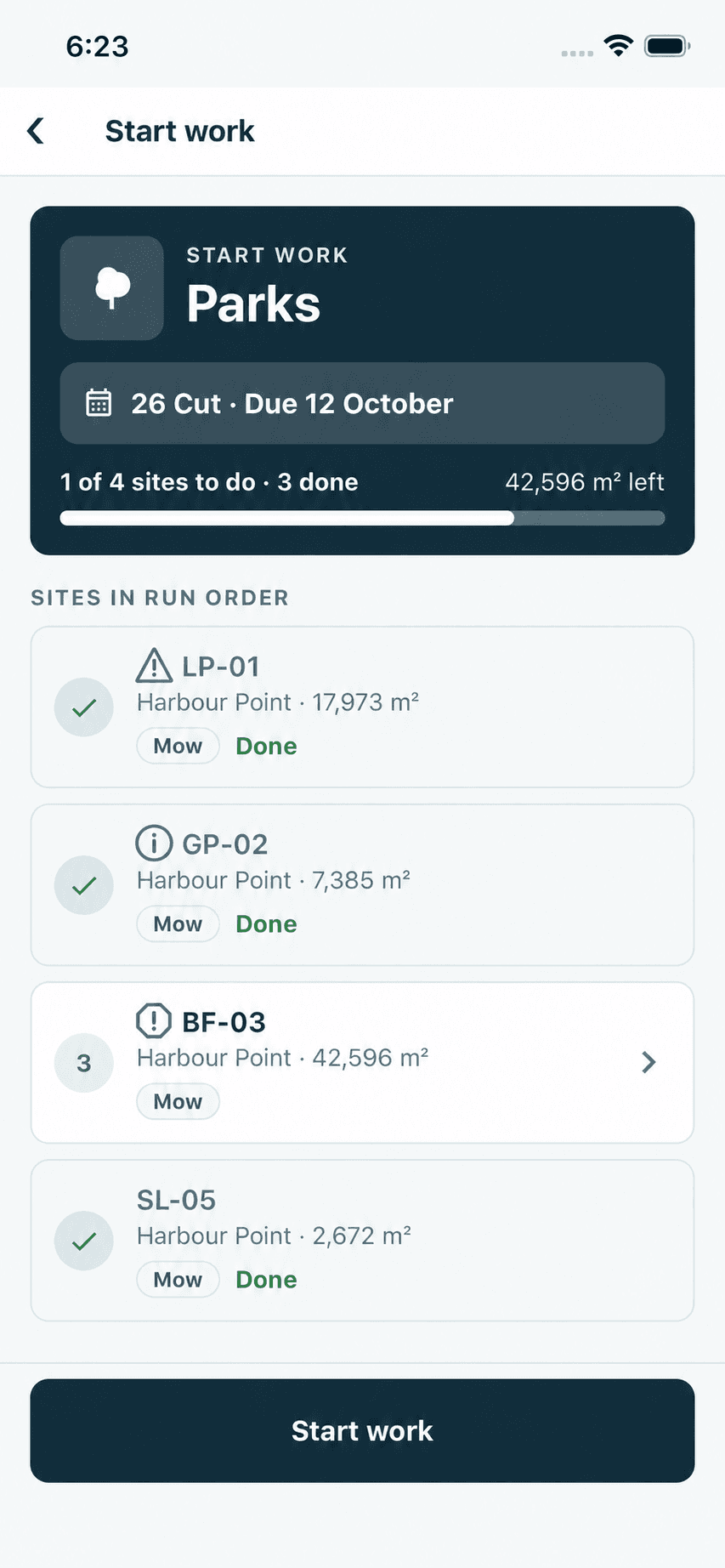
Each operator sees their sites in run order, navigates to the site in the app and completes the job. Completions are saved on the phone when there is no signal.
Explore the operator appAuto assignments
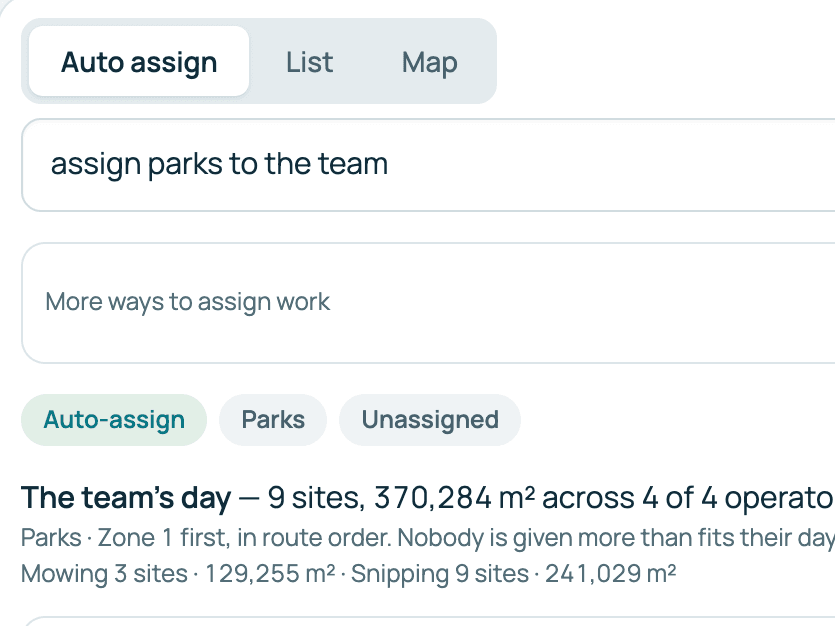
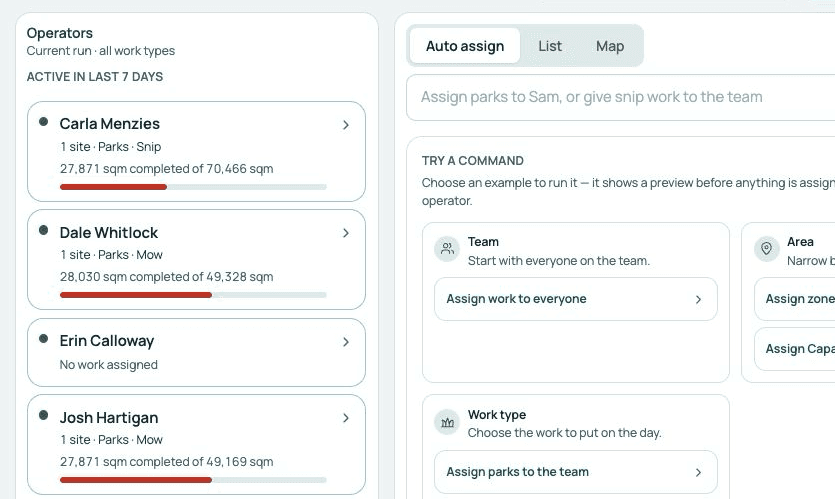
Turn due work and available capacity into a proposed day. Review it, then apply it.
Explore auto assignmentsPhotos & notes
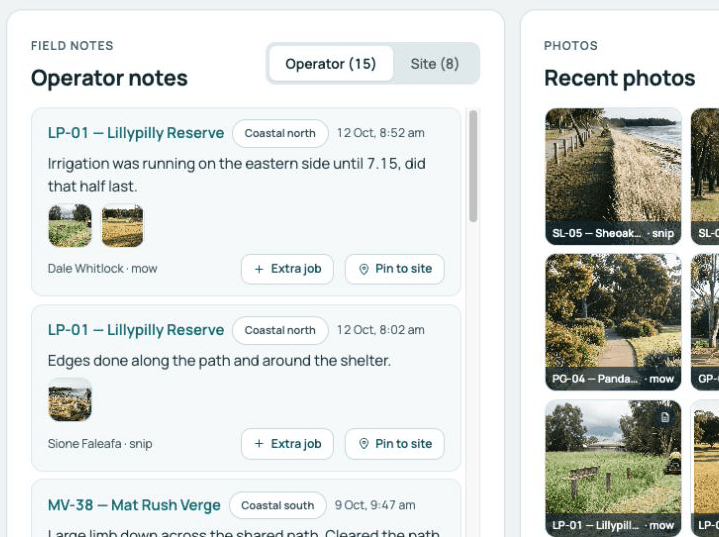
Record what the crew found and what they did, ready for the office to review.
Explore photos and notesLive tracking & journey history
Follow the day on a live map and replay a recorded journey beside your sites. Part of the Operations plan.
Explore trackingScheduling
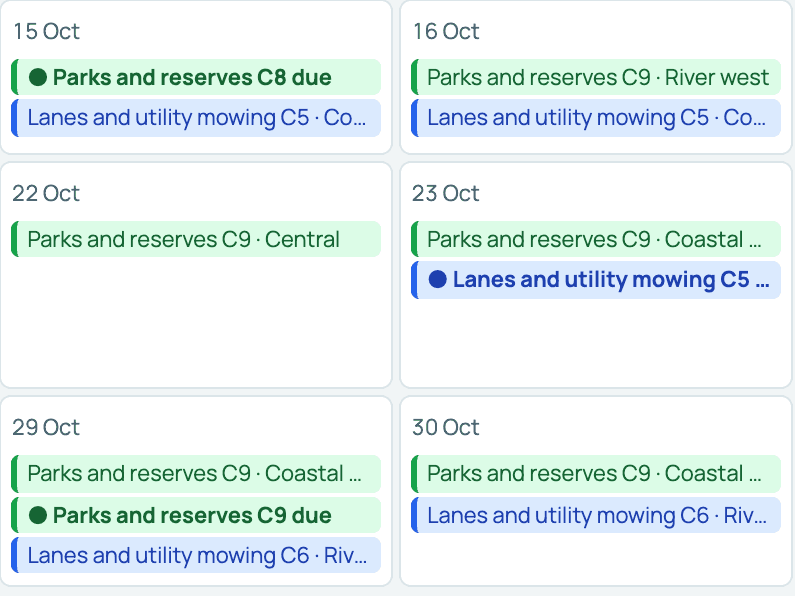
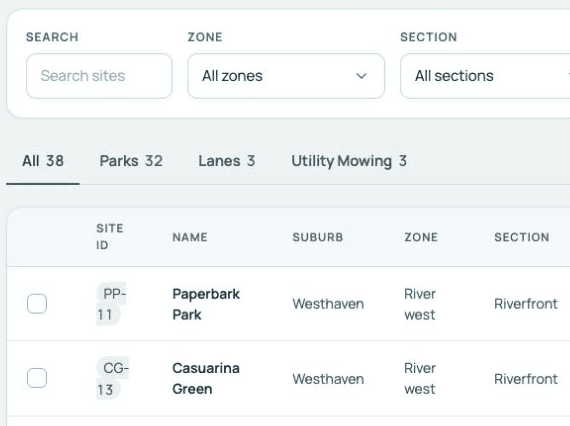
Cut dates for each rotation group, on a planner that shows when each cut is due and which are running behind.
Explore schedulingSite data
Boundaries, visit history, photos and access notes, kept with the site.
Explore site dataReporting & evidence
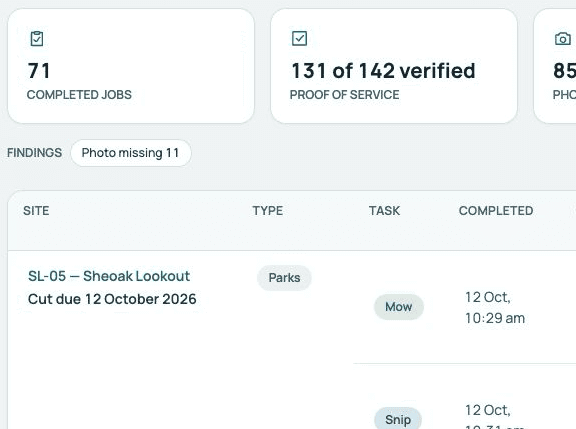
Completed visits with their evidence. A missing photo shows as missing.
Explore reportingPlan a spray run for a set of sites. Operators can record the chemical applied, with the weather at the site looked up when the phone has signal.
Explore sprayingOperators complete daily and weekly safety forms on the phone. By default, a reported fault is emailed to the office as soon as the form is submitted.
Explore safety formsOperators clock on and off in the app. The office timesheet view is part of the Operations plan.
Explore timesheetsEmail alerts for the events you choose, sent as they happen or in a daily or weekly digest.
Explore alertsPictures are product screenshots from a demonstration organisation with synthetic data.