
Platform Auto assignments
Build the next run.
Review it before it applies.
Turn the work that is due and the crew on shift into a proposed day. Choose who is mowing and who is snipping, review the proposal, then apply it.
- Start with who is working today. Pick the operators for the day and put each in a mowing or snipping lane.
- Allocate the work in route order. Verdue proposes each operator’s day from the work that is due, following the order you service your sites in.
- Nothing is applied until you confirm. Read the proposed day, change what you need to, and confirm. Assignments are only made at that point.
How it works
You review
every proposal.
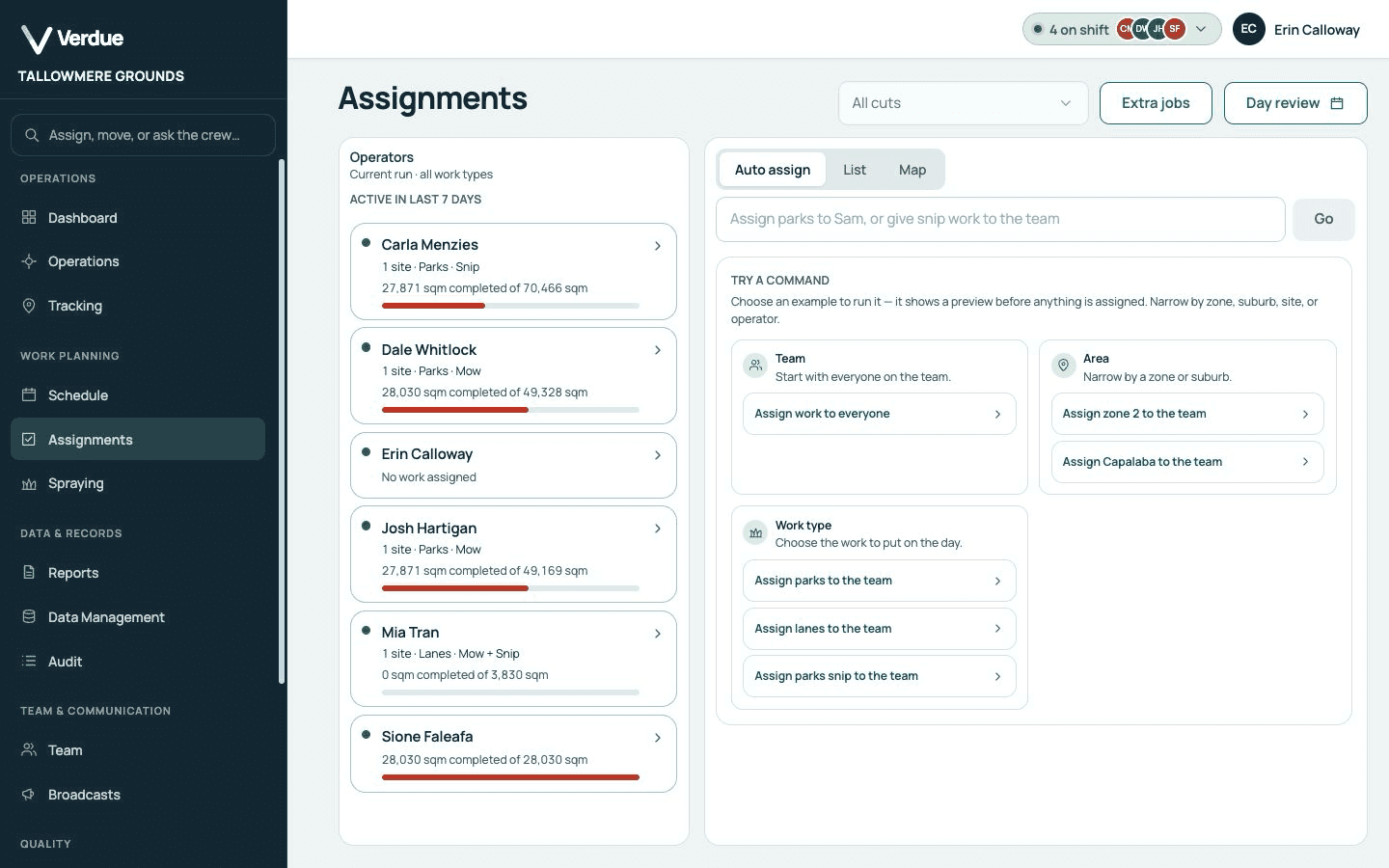
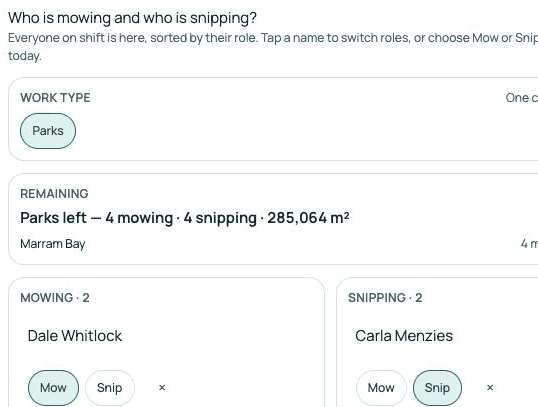
Choose who is on today
The team starts as everyone clocked on, and you can add or remove people.
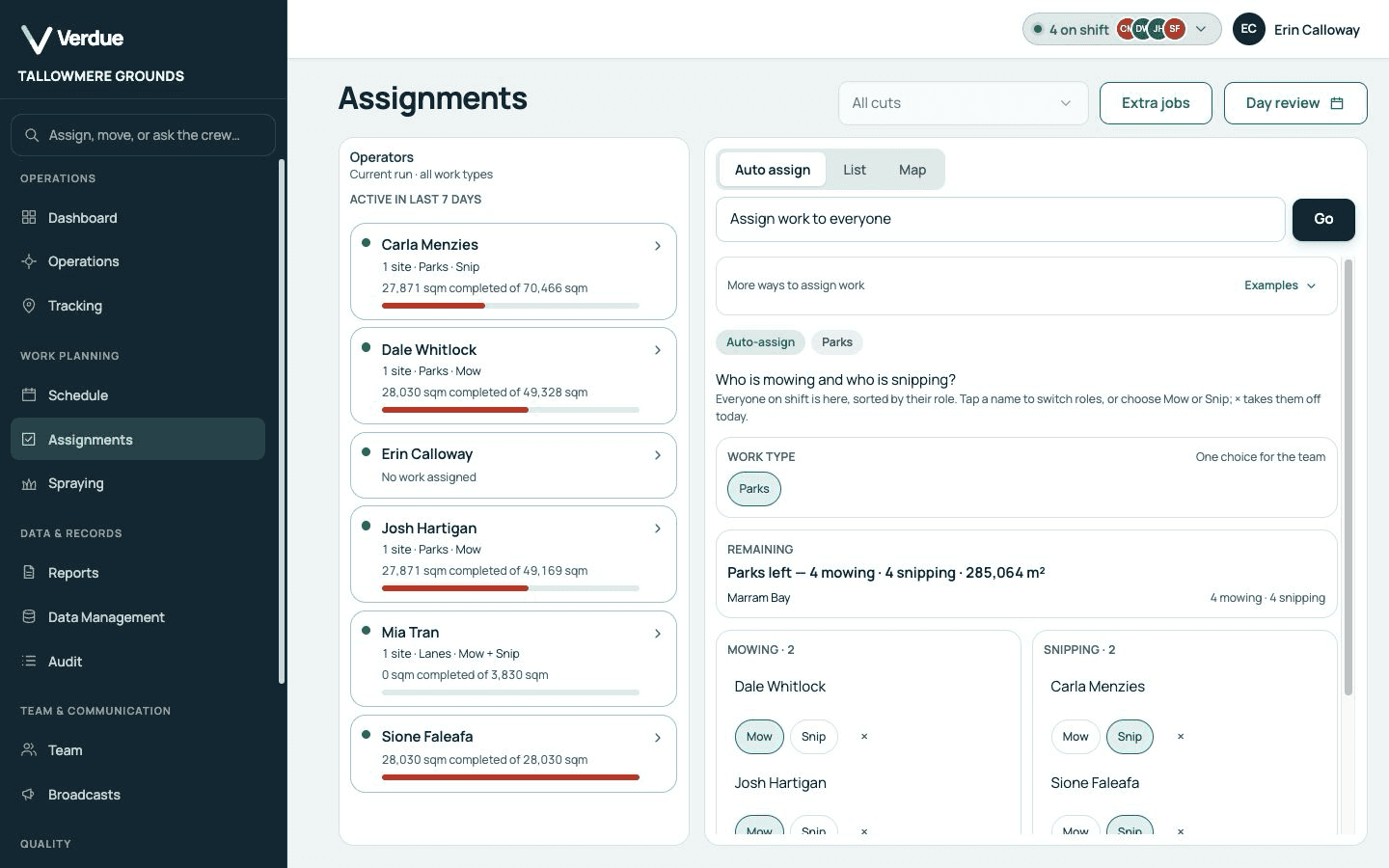
Product screen · Demonstration organisation with synthetic data Put each person in a mowing or snipping lane
Each person starts in the lane that matches what they do.
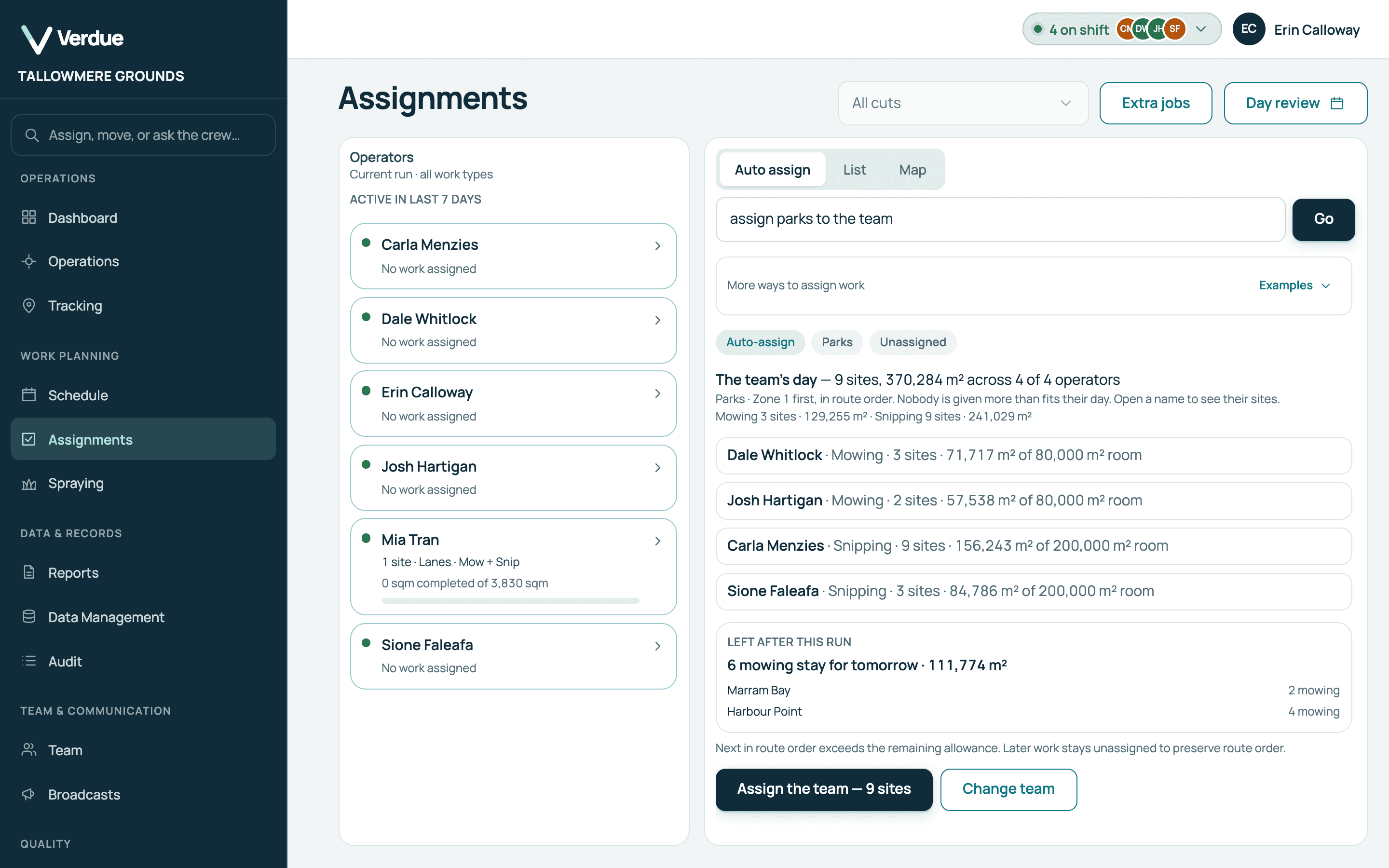
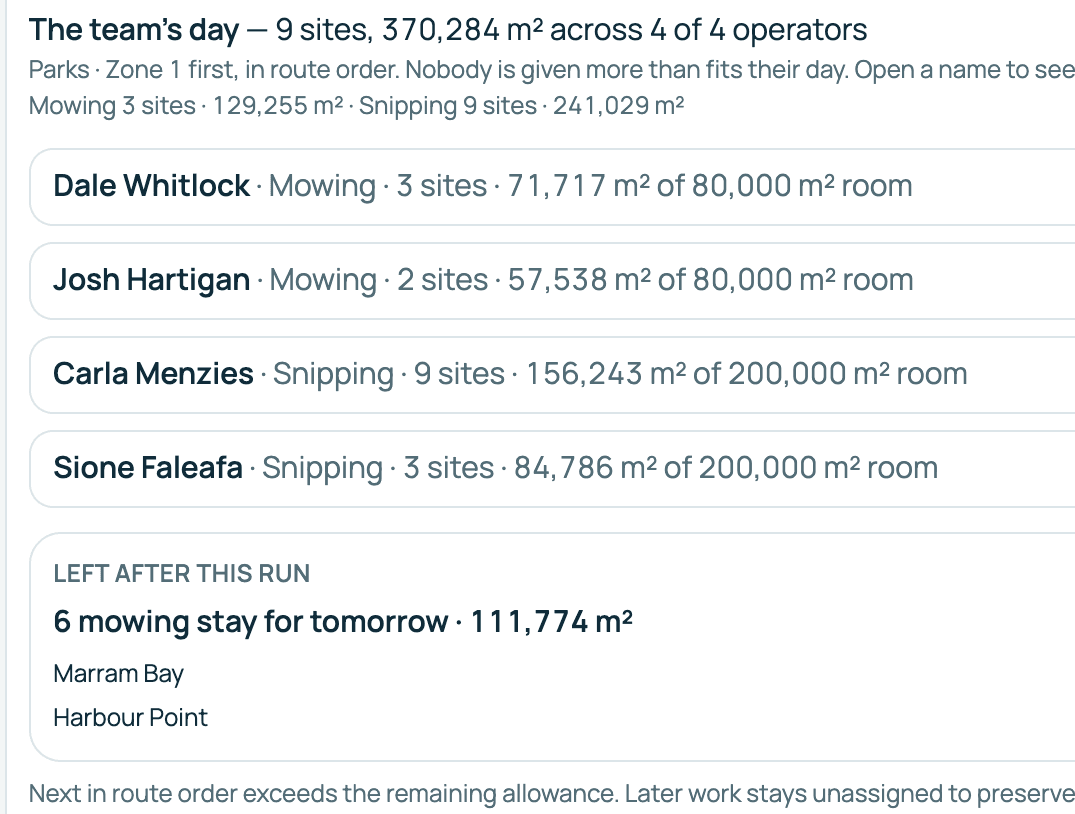
Product screen · Demonstration organisation with synthetic data Review the proposed day
Each operator’s sites and area are shown beside their room for the day.
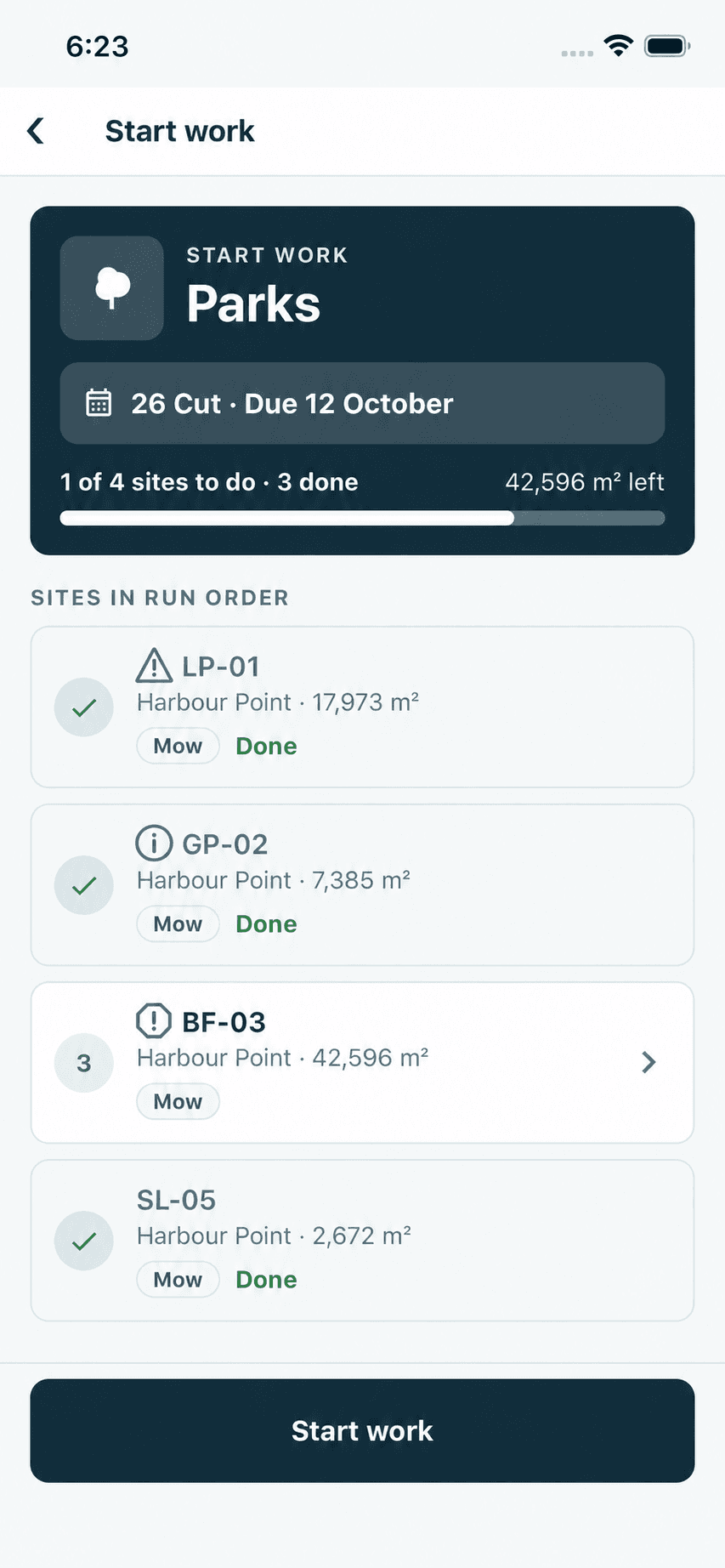
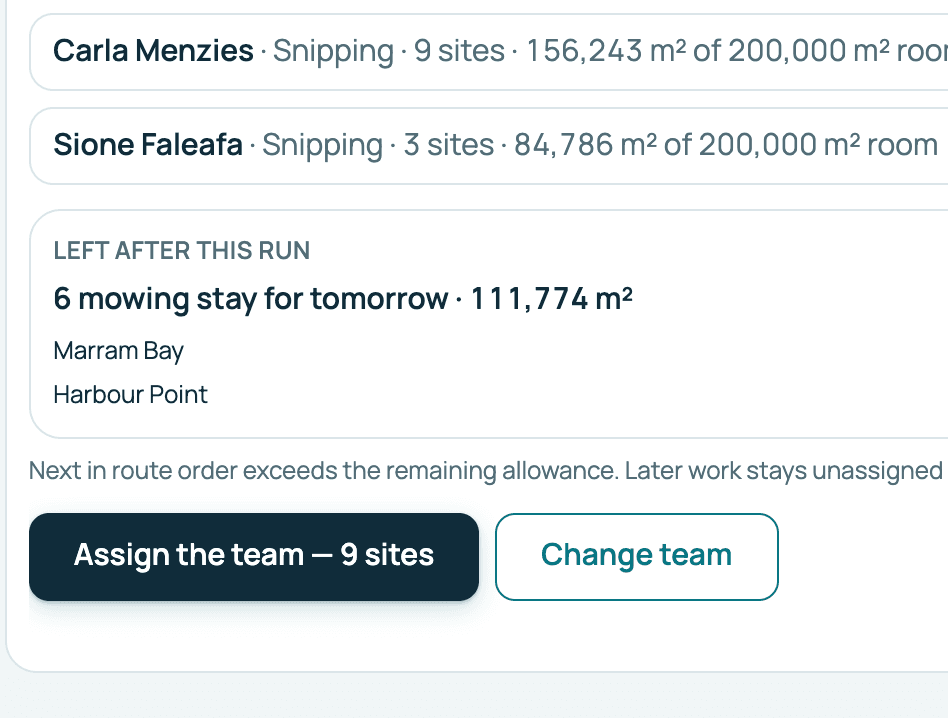
Product screen · Demonstration organisation with synthetic data Apply it
One button applies the proposal, and nothing is assigned before then.
Product screen · Demonstration organisation with synthetic data
In the product
Real screens,
from a demonstration organisation.
The team
Pick the operators for the day and put each in a mowing or snipping lane.
The proposal
Verdue proposes each operator’s day from the work that is due, following the order you service your sites in.
Your approval
Read the proposed day, change what you need to, and confirm.
Where the day stands
Each person’s sites, work type and area for the current run.
Product screens from a demonstration organisation with synthetic data.
Who uses it
One record,
two points of view.
In the office
Managers and supervisors
- Start from everyone clocked on.
- Change a lane or remove a person before proposing.
- Nothing is assigned until you apply it.
In the field
Operators
- A day sized to their daily capacity.
- Sites in service order.
- Work that matches what they do.
Your questions
What you need to know.
Will it overload an operator?
Not in the ordinary case: a site that does not fit an operator’s remaining room passes to the next operator with room. There are two exceptions, a site larger than a full day and a critical site, and the proposal shows when either takes an operator over their day. The daily capacity can be set for your organisation.
Can I assign by area or work type?
Yes. You can give a zone, a suburb or a work type to the team, or to one operator.
Can I still assign a single site manually?
Yes. Proposals are a starting point. Individual sites can be assigned or moved directly.
What order does it deal the work in?
The order you service your sites in: zone by zone, then site order within each zone. Work left from the previous cut is dealt first, and critical sites are dealt before the rest.
What happens to a site that will not fit?
It passes to the next operator with room. If nobody has room, it and the sites after it stay unassigned and are listed as left over. A site larger than a full day is still given to one operator and shown as over the day.
Can two operators share a large site?
Yes. A site over your organisation’s large-site threshold can be proposed to a crew of two, each taking half.