
21 September 2026 · 60 minutes
VerifiedPlatform Reporting & evidence
Show the work.
Keep the gaps visible.
Turn completed visits into a record your client can follow. Verified visits and partial evidence sit side by side, so a missing photo shows as missing.
- Each visit, with its evidence. Completed work is listed with who did it, when, and the evidence recorded for it.
- Gaps are stated. A visit missing expected evidence is marked partial, with the reason shown beside it.
- Share it. Completed work can be exported as CSV or PDF for the people who need it.
How it works
The record,
with its gaps shown.
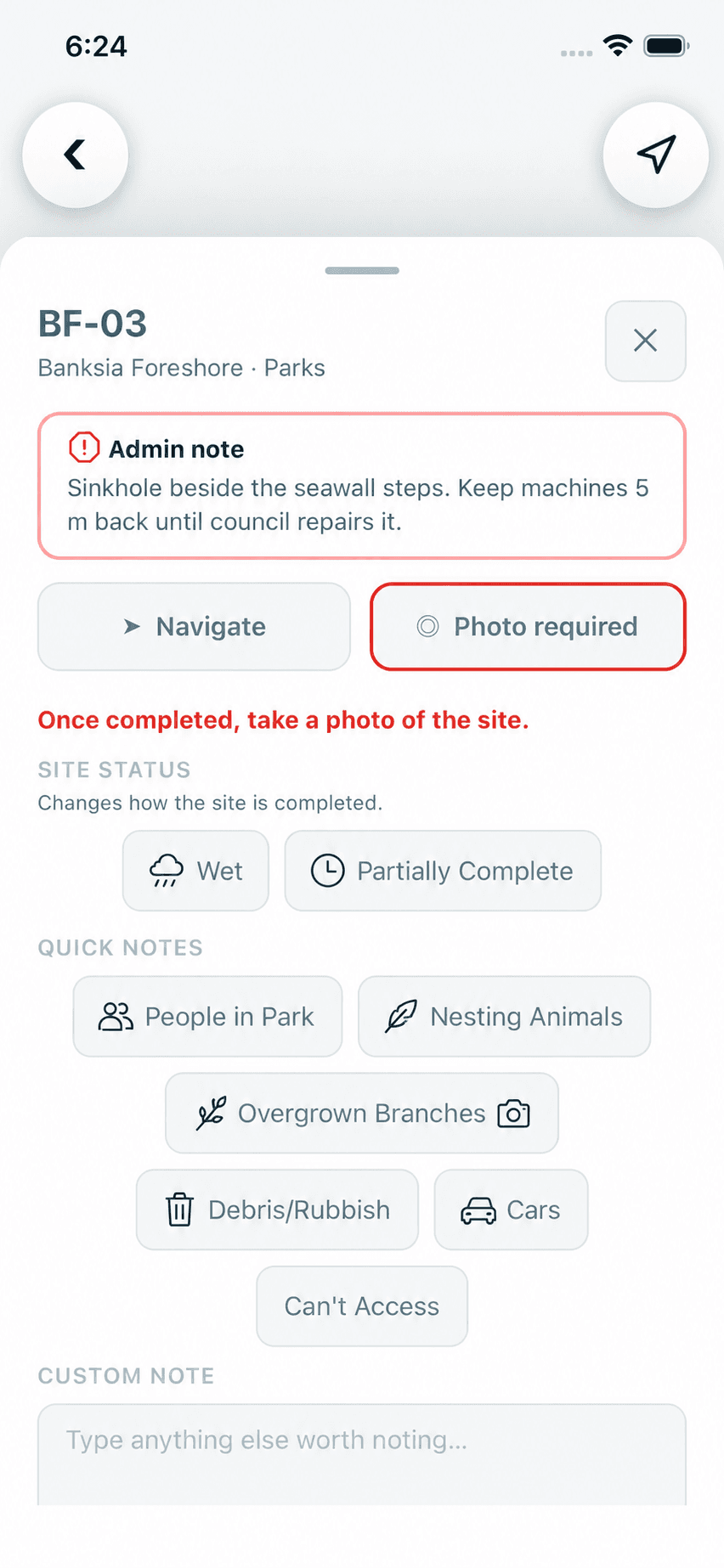
A visit is completed with its evidence
Its photos, note and position travel with the completion.
Product screen · Demonstration organisation with synthetic data The office reviews completed work
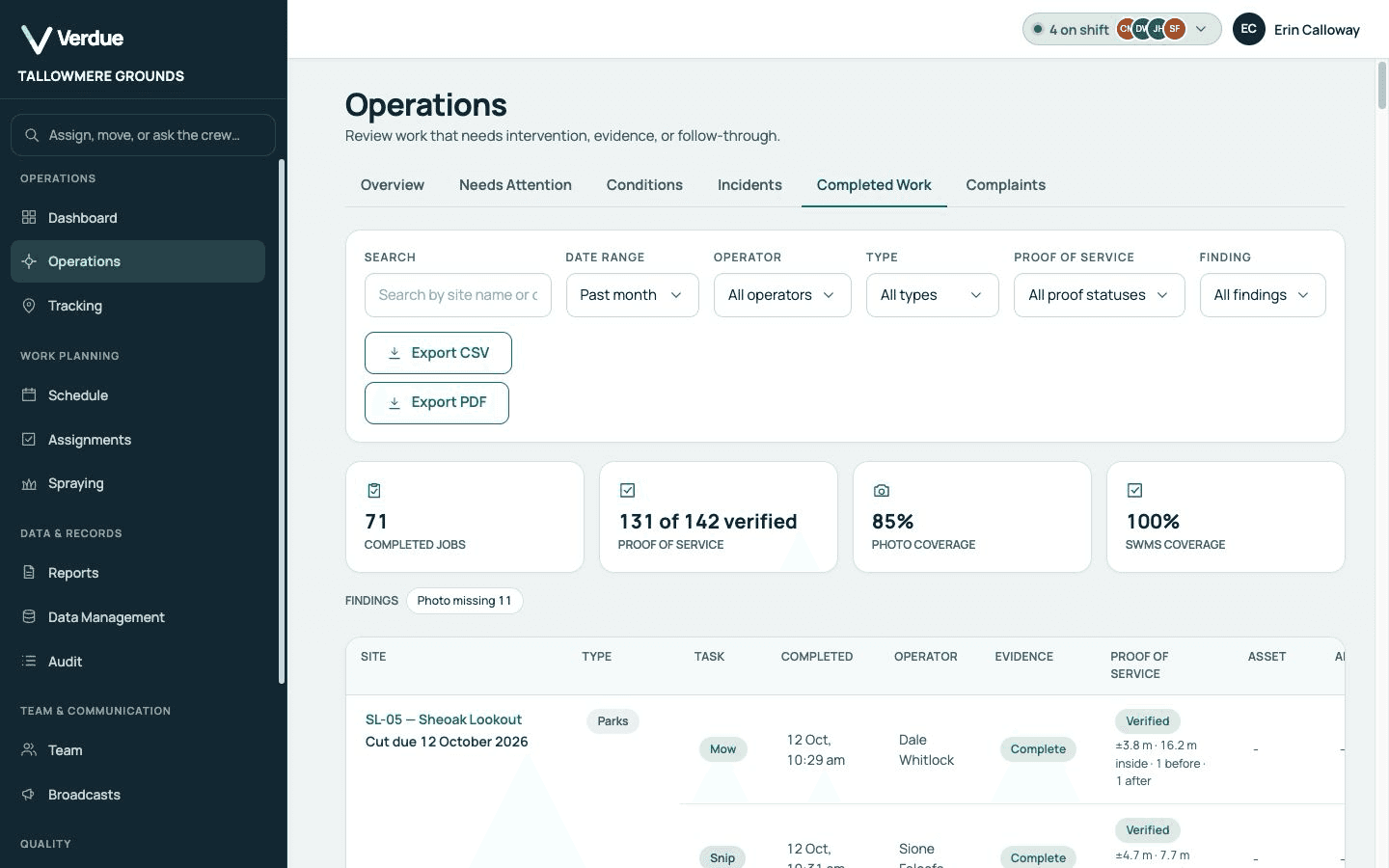
Each visit is listed with its site, type, task, operator, evidence and proof of service.
Product screen · Demonstration organisation with synthetic data Gaps are marked, not hidden
A partial visit names each requirement that was not met.
Software-generated report excerpt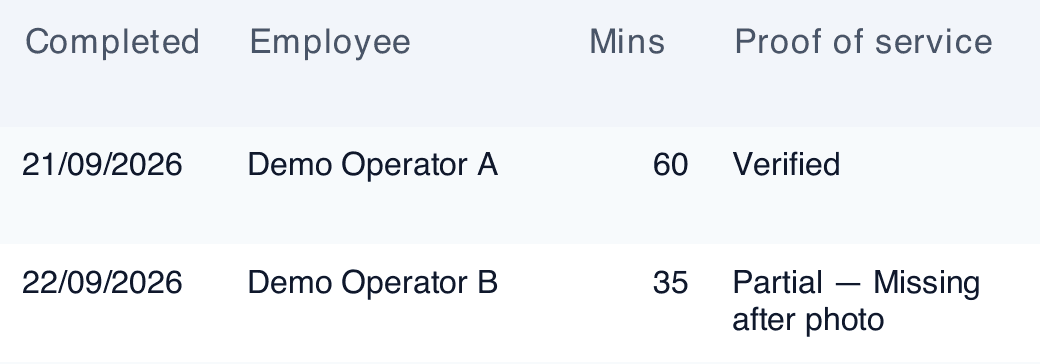
Excerpt transcription
Demo Operator A Demo Operator B 22 September 2026 · 35 minutes
Partial — Missing after photoActual software output · Fictional demonstration records · Cropped public excerpt Verified and partial stay distinct.
Missing after-photo evidence remains visible.Export it for the people who need it
Export as CSV or PDF, and the export holds what the filters show.
Product screen · Demonstration organisation with synthetic data
In the product
Real screens,
from a demonstration organisation.
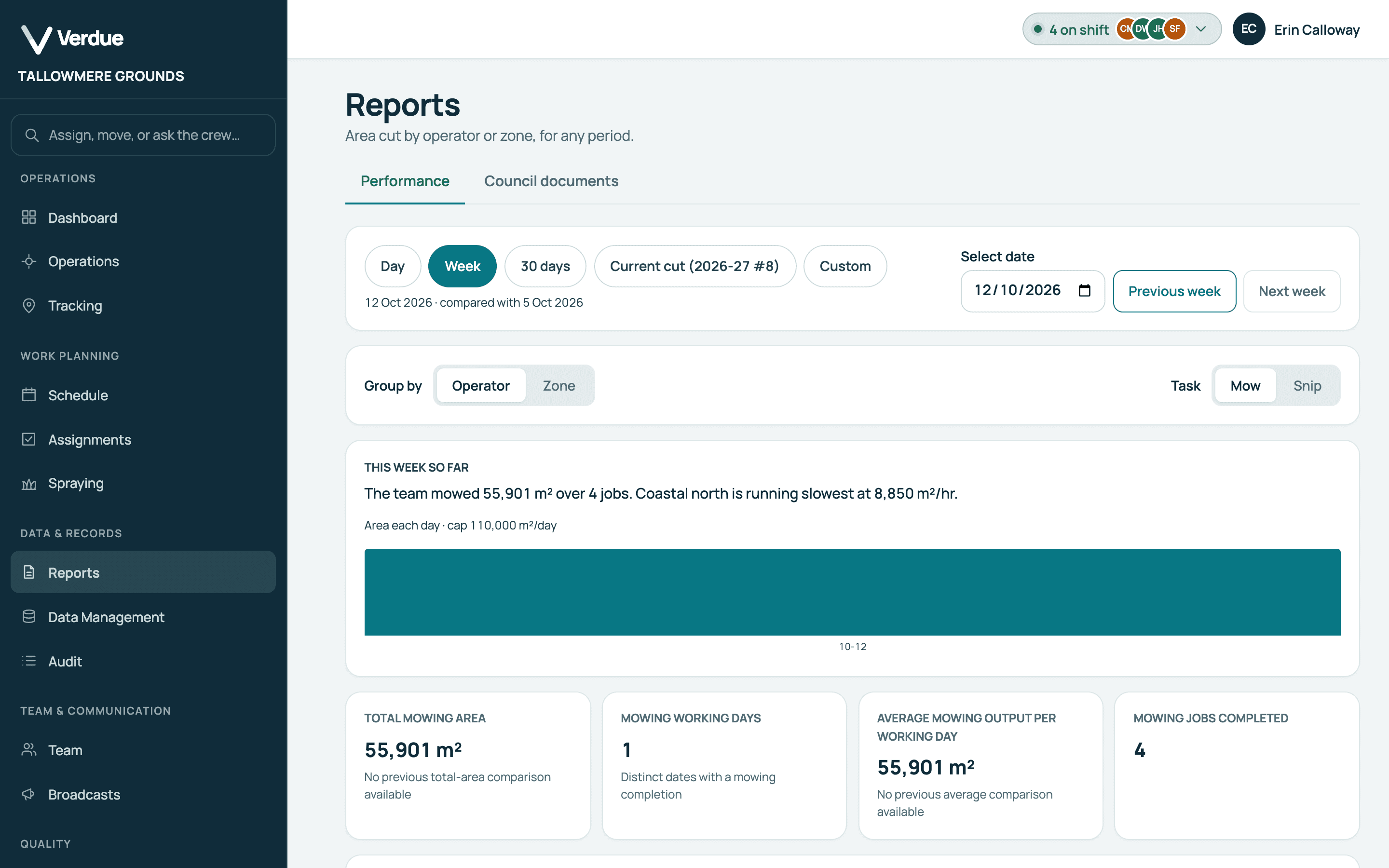
Area cut for any period
Grouped by operator or by zone.
A report
The excerpt is actual software output.
Gaps are marked, not hidden
A partial visit names each requirement that was not met.
Export
Export as CSV or PDF, and the export holds what the filters show.
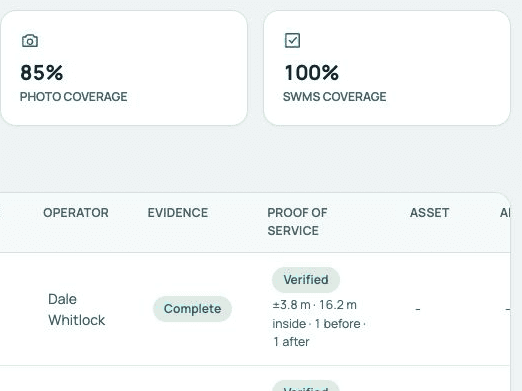
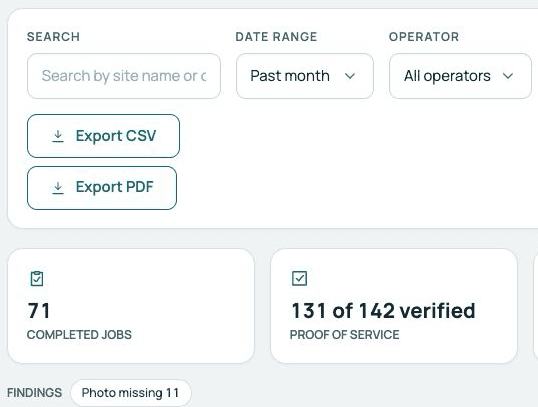
Product screens from a demonstration organisation with synthetic data.
Who uses it
One record,
two points of view.
In the office
Managers and supervisors
- Filter completed work by date, operator and type.
- See which visits are verified and which are partial.
- Export as CSV or PDF.
In the field
Operators
- Evidence is captured as part of completing.
- The time and position are recorded with each completion.
- A missing photo is shown as missing.
Your questions
What you need to know.
What does “partial” mean?
The visit was recorded, but some expected evidence, such as an after photo, is missing.
What makes a visit verified?
A position was established for the completion, and every requirement in your organisation’s requirement profile was met. Every organisation has a default profile, and editing it is part of the Operations plan.
What does “unverified” mean?
The completion was entered manually, or no position could be established for it.
Can I filter by date and operator?
Yes. Completed work can be filtered by date range, operator, work type, proof-of-service status and finding, and searched by site.
Is the example real?
The excerpt is actual software output. The records in it are fictional demonstration records.
Can a council see the same records?
The council view is offered as a scoped demonstration. Councils & government explains what that covers.