
Platform Site data
Every site.
Its own record.
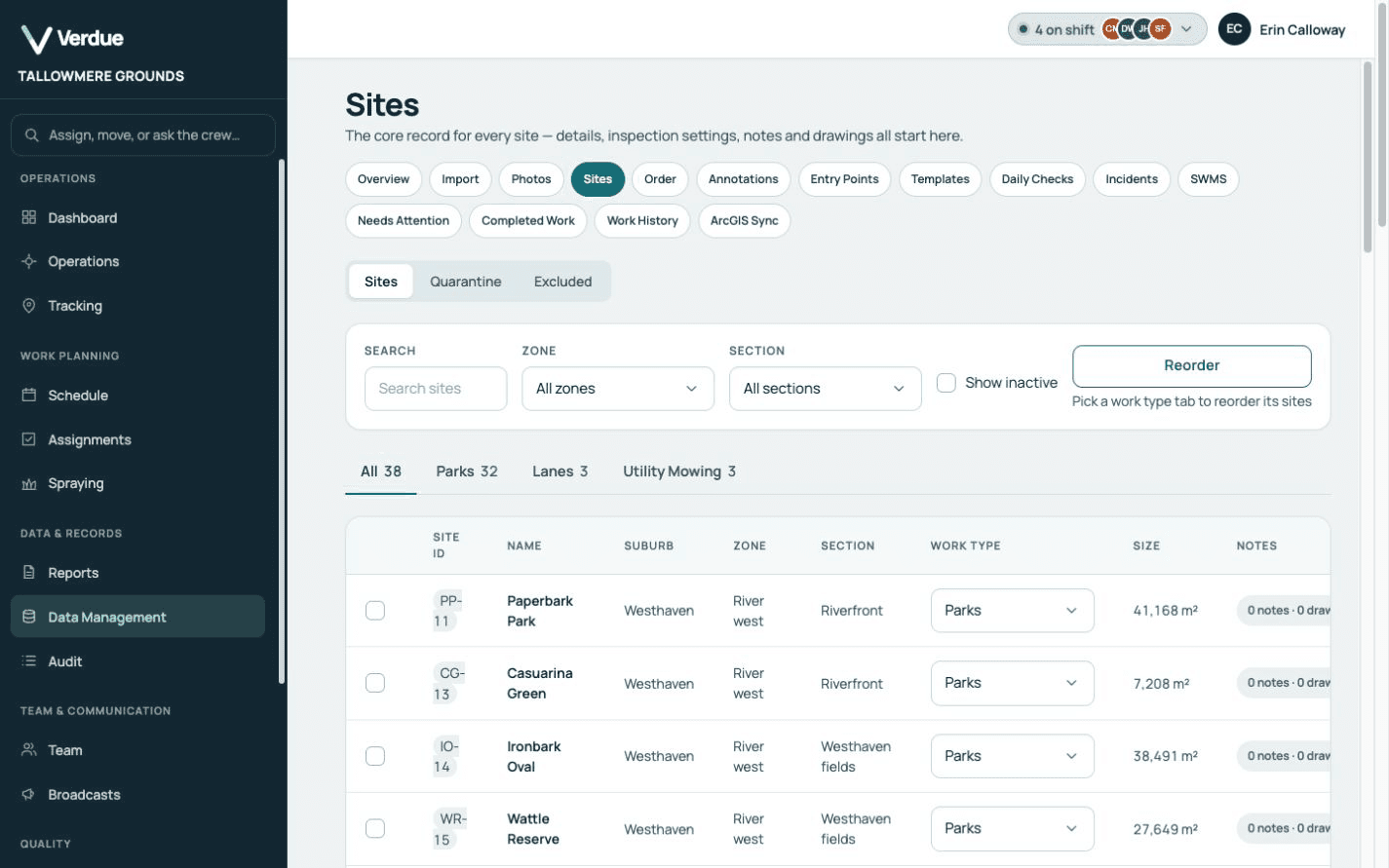
A register of every site you service, with its mapped boundary or point, its work type, its notes and its history.
- Find any site quickly. Search the register and filter it by zone, section or work type.
- One register in service order. The order you service your sites: by work type, then zone, then site order.
- Notes that reach the crew. Active site notes are shown to operators on the job, with critical notes first.
How it works
The detail belongs
to the site.
Bring in your site list
The import accepts KMZ, KML, GeoJSON and CSV files, and a zipped Shapefile.
Product screen · Demonstration organisation with synthetic data Each site is mapped and given a work type
A map file brings the shape drawn for each site, a CSV file brings a point for each site, and each imported row is given a work type.
Product screen · Demonstration organisation with synthetic data · Map data ©2026 Google Notes and drawings are added as you learn the site
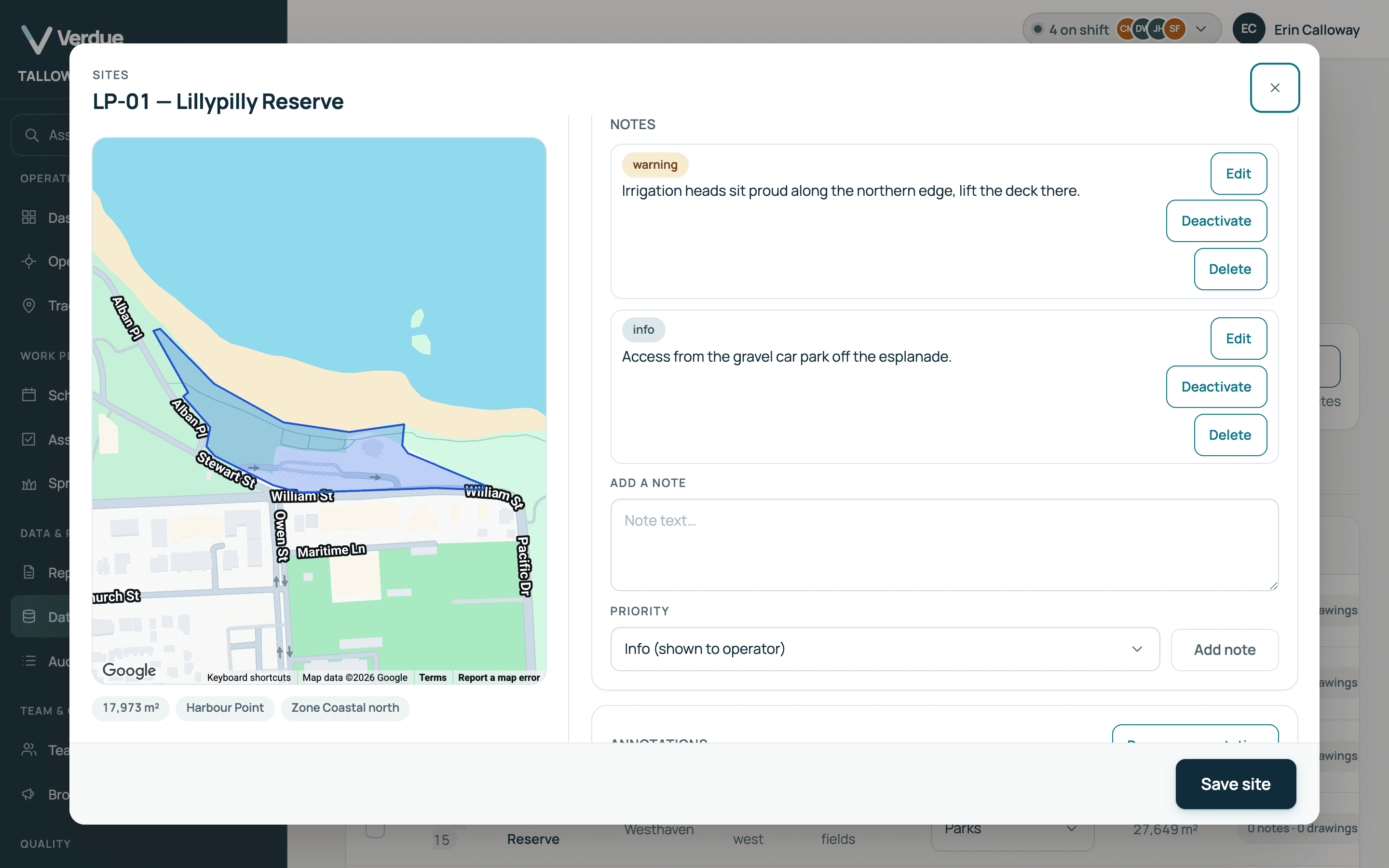
A drawing is a shape or a line on the site, with an optional note.

Product screen · Demonstration organisation with synthetic data · Map data ©2026 Google Every visit adds to its history
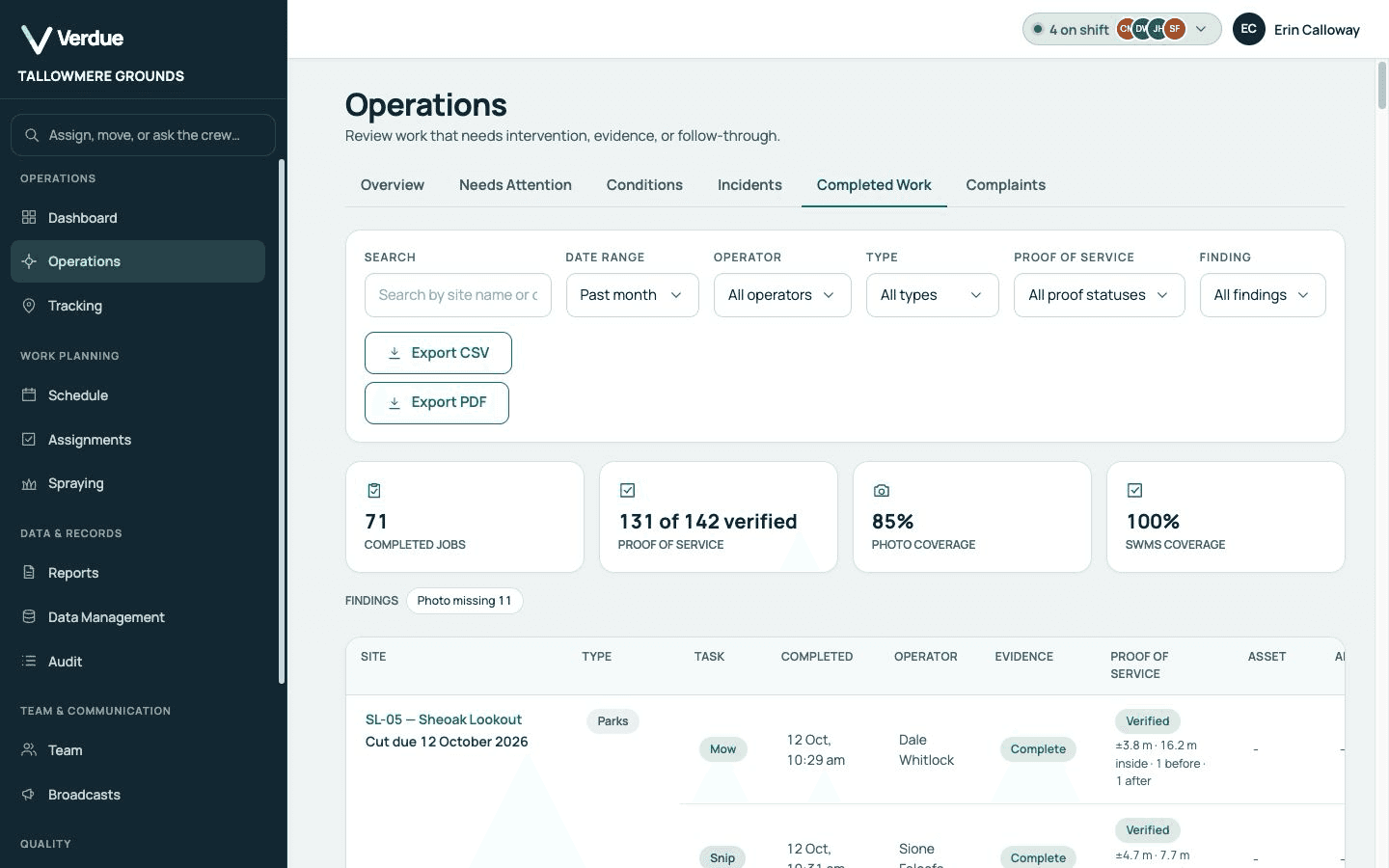
A site’s record lists its completion dates by cut, with the operator and the tasks.
Product screen · Demonstration organisation with synthetic data
In the product
Real screens,
from a demonstration organisation.
A site’s record
Each note is marked info, warning or critical.
Map data ©2026 Google
On the phone
A site’s active notes are acknowledged before the job can be completed.
The register
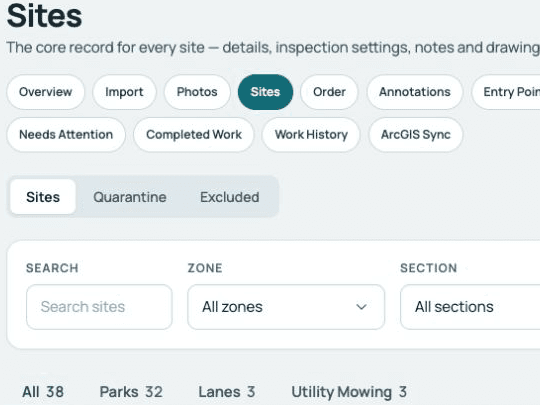
Filter by zone, section or work type.
Add a note
Choose its priority, and it is shown to operators while it is active.
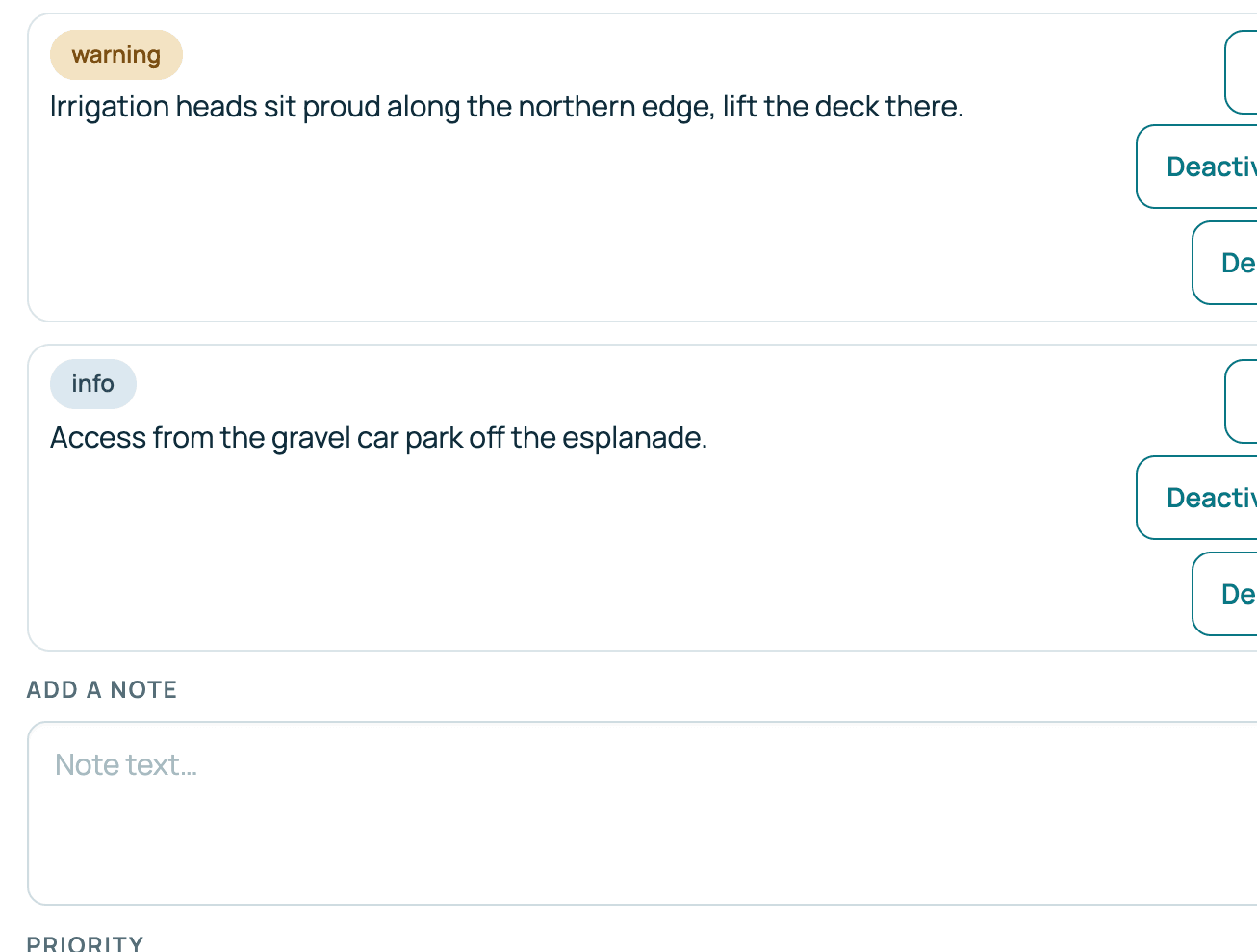
Product screens from a demonstration organisation with synthetic data.
Who uses it
One record,
two points of view.
In the office
Managers and supervisors
- One register in service order.
- Filter by zone, section or work type.
- Edit a site’s details, notes and drawings from its record.
In the field
Operators
- See the boundary on the map.
- Read the notes for that site.
- See the drawings the office has added to the site.
Your questions
What you need to know.
Can we bring in our existing site list?
Yes. The import accepts KMZ, KML, GeoJSON and zipped Shapefile files, and CSV files with a latitude and longitude for each site.
Can operators see site notes in the field?
Yes. Active notes for a site are shown to the operator working it.
Do you keep the history for each site?
Yes. A site’s record lists its completion dates by cut, with the operator and the tasks.
What order is the register in?
The order you service your sites: by work type, then zone, then site order. It is not alphabetical.
Can a site have more than one work type?
No. Each site has one work type. A site can carry more than one task, such as mowing and snipping, and can also be sprayed.
Can I redraw a boundary in Verdue?
No. Boundaries come in with the import. A site’s details, notes and drawings can be edited, and a site can be split or merged.